How Shop the Reel works, from a product link to a tracked sale
, 4 min read
What you bring, what the app does with it, and what you see when someone buys.
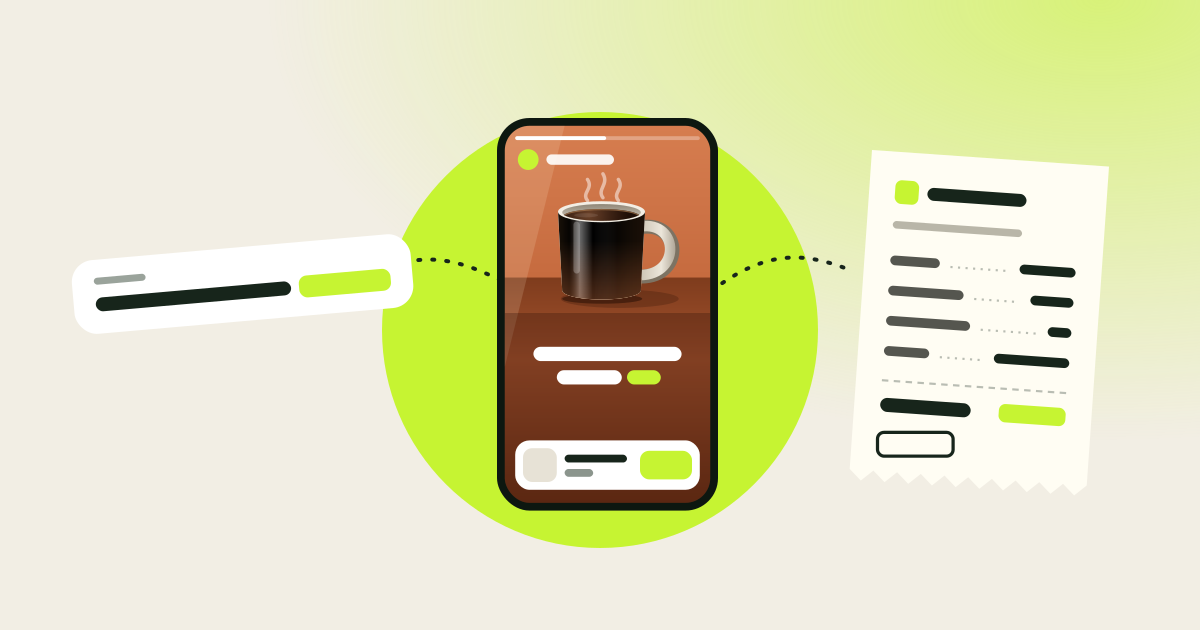
Shop the Reel turns a product link into a short video, posts it for you, and shows which video produced each sale. This post walks through one product from start to finish.
What you bring
One thing: a product link you earn on. That is usually an affiliate link from a programme you have joined, or a product page with your own utm_source tag on it. If you do not have one yet, join a programme first. The app does not sign you up to any.
1. Paste the link
Paste the link exactly as you have it. Your affiliate ID and UTM tags pass through untouched. We add one small tag of our own, a click id, so a sale can be matched to the reel it came from.
The app then reads the product page for the facts: the name, the price, the details the seller lists.
2. Pick a presenter
Choose who presents the product. The script is written from the product page, so the reel only says what the page says. The same presenter stays on screen for the whole reel and speaks every line.
A reel takes a while to render, often around half an hour. You watch it before anything goes out. Nothing is posted until you press Publish.
3. We post it
Once your TikTok, Instagram and YouTube accounts are connected on the Accounts page, one reel goes to all three. Each post carries its own tracked link, which is what lets you compare the platforms later.
4. Watch it earn
The dashboard follows each reel through four numbers:
- Views: how many times the reel was watched.
- Landings: how many viewers tapped through to the shop.
- Purchases: how many of them bought.
- Commission: what the store owes you for those orders.
Orders come from your affiliate programme. Impact sales sync automatically once you connect your Impact account. For Amazon Associates you upload Amazon's item-level earnings report as downloaded. For other programmes you import a CSV file, or add an order by hand. Each order then shows as pending, approved or paid, with an estimated payout date based on the return window.
Your shop page
Every reel also appears on a page of your own at shopthereel.com/@yourhandle, each with a Shop button. Put that one link in your profile and it always shows your current reels.
What the app does not do
- It does not pay you. The store or affiliate network pays your commission on its own schedule.
- It does not guarantee views or sales. It makes the reel and the tracking; the audience decides the rest.
- It does not remove the need to label your content. Reels and shop pages are marked as ads, and each programme has its own rules.
If you want the earning side in detail, read How to make money with Shop the Reel.